

SketchUp
The Original 3D Sketch Modeller
3D for Everyone
SketchUp® is the world’s leading rapid 3D modelling software. It’s fast, it’s easy and we love it.
We’ve been selling, using and supporting it since its development by ‘@last corporation’ over 18 years ago and we look after SketchUp clients throughout Australia.
SketchUp was created right from the start to be a 3D modeling program that is powerful and easy to use. And they nailed it!
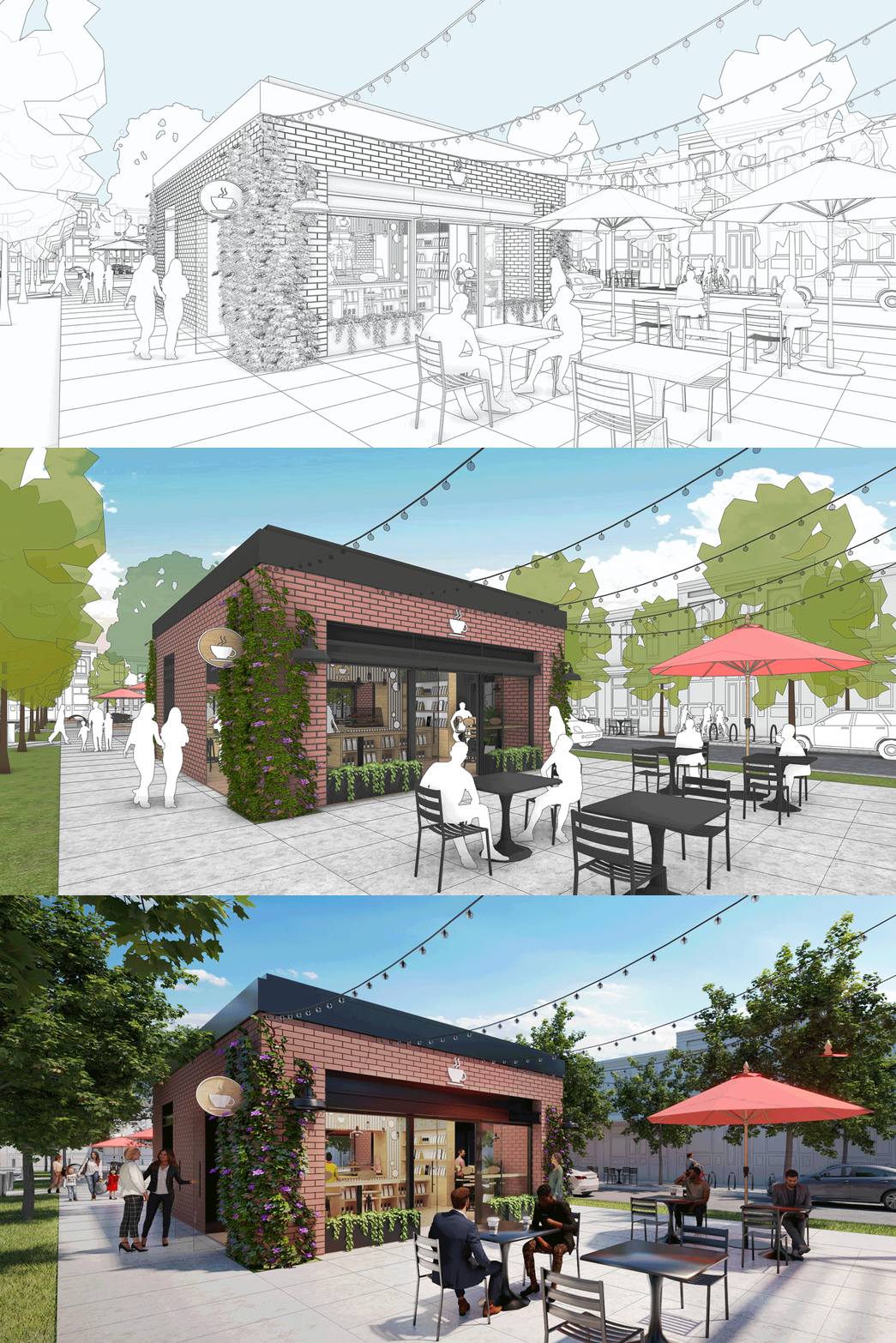

Stand-alone or as a companion
If your needs are simple, use SketchUp Layout to produce high quality 2D documentation directly linked to your 3D model or for ultimate satisfaction use SketchUp for what it does best, 3D. Bring your 3D model directly into your professional BIM, CAD or rendering programs to complete the design process. Many clients use Sketchup to model furniture and other library items then bring those into their professional CAD software such as ARCHLine.XP for full architectural modelling and document creation and Lumion for mind blowing rendering and animation.
‘Lumion View’ Direct Rendering
Add Lumion View to your SketchUp subscription – Make it your New Design Companion.
Lightweight and lightning-fast, Lumion View is the perfect companion for your modelling workflow. Designed to keep up with your creativity, Lumion View lets you explore, refine, and share early-stage ideas effortlessly—without breaking your flow.
With instant visual feedback and intuitive tools, you can focus on what matters most—your design.
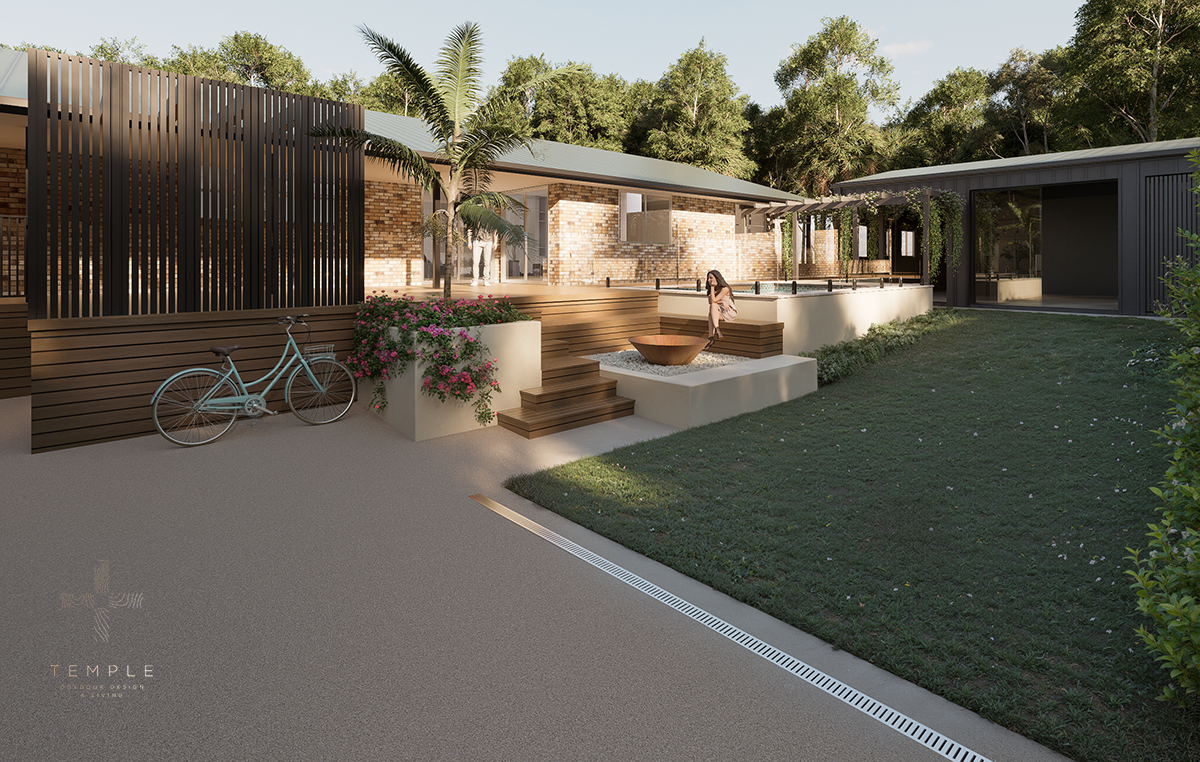
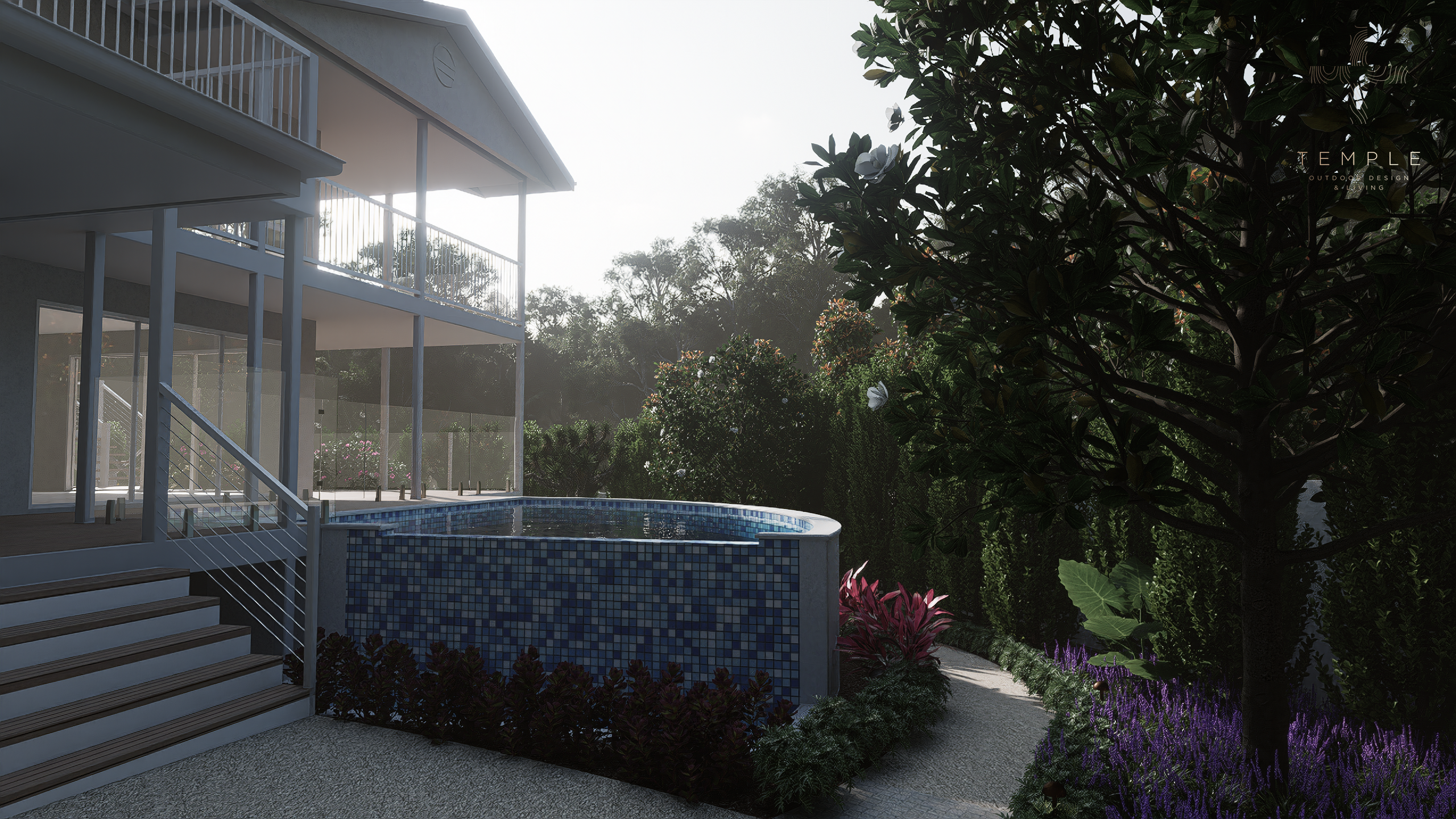
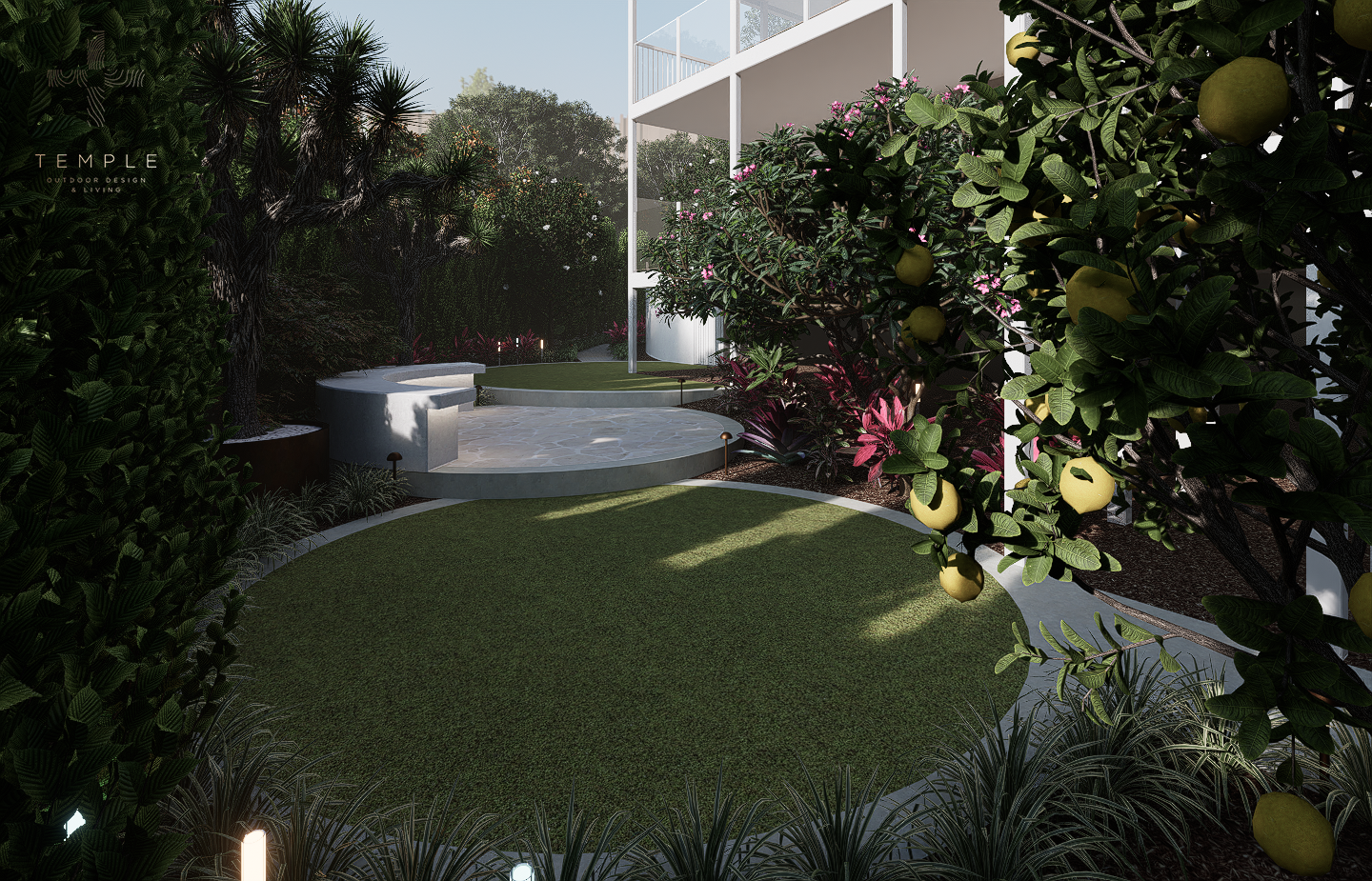
Use Lumion View inside SketchUp today and upgrade to Lumion Pro at any time for the ultimate in Architectural visualisation.




Push / Pull
The action of pushing and pulling a surface in 3D space, and have it behave how you would expect is strangely satisfying. SketchUp has mastered the art of grabbing and manipulation to give total control.
Triangulated
Every surface in SketchUp is a series of triangles, even a rectangle is actually 2 triangles. This simple principle applies to everything so the user never has to deal with a myriad of different entity types.
Get the Look
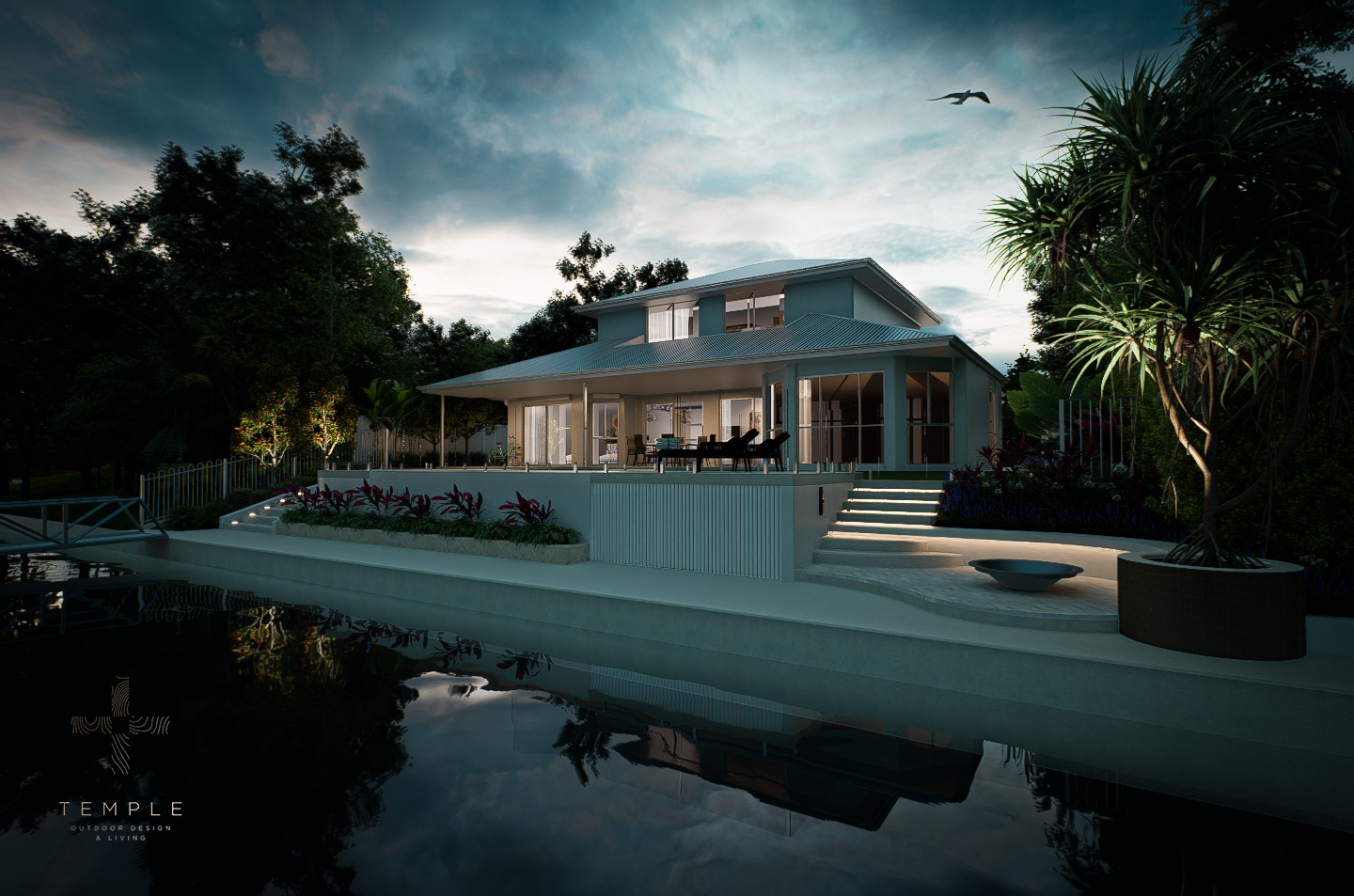
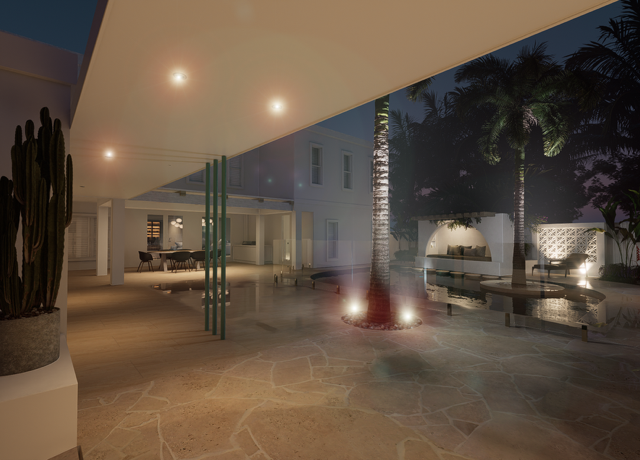
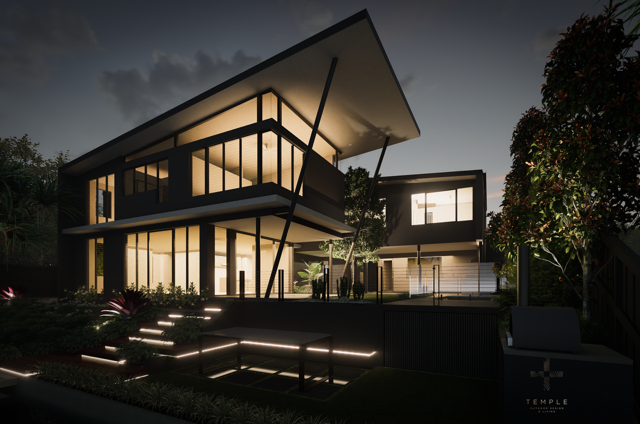
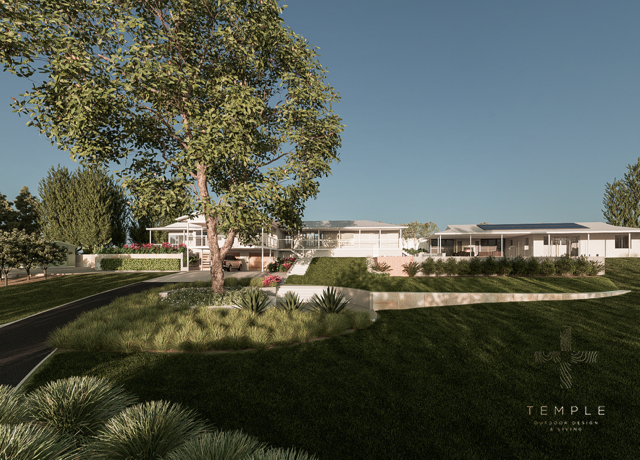
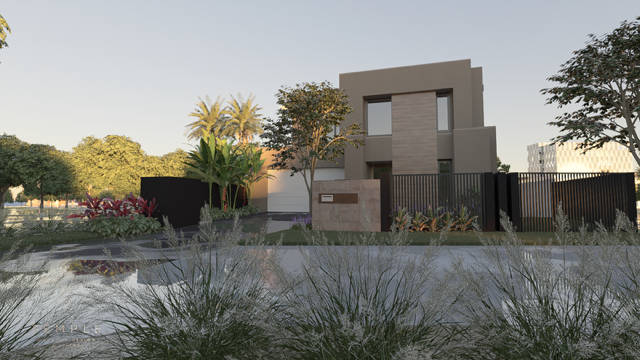
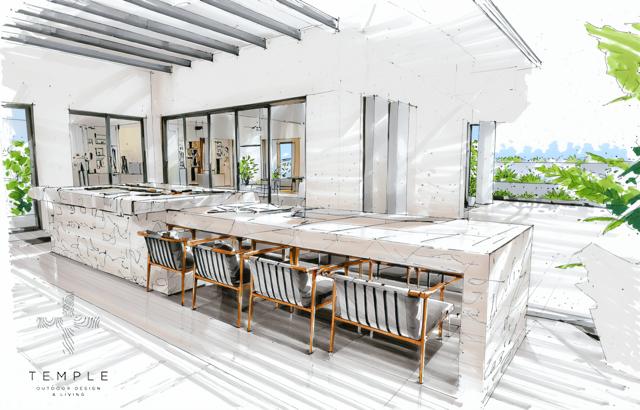
You can have every conceivable impression of your model without remodeling. Go from sketchy line-work to fully rendered lifelike scenes with plugins as powerful as Lumion
Simple Logic
When you think of SketchUp you think of simplicity, but that doesn’t make it any less powerful, just easier to master. Learn how to move, then copy, stretch and transform are a natural progression.

SketchUp
The latest version of SketchUp Pro modeler for desktop and mobile

LayOut
Links your 3D models in Layout to generate professional 2D drawings

Style Builder
Create your own sketchy edge style from lines you’ve drawn, either on paper or digitally

3D Warehouse
Access to the place to share and download hundreds of thousands of SketchUp models

PreDesign
Enhance your design research with this new web-based tool that provides insights into sustainable design for your project location

Mobile Viewer
Take clients on a virtual tour of a project using the SketchUp Viewer (mobile/tablet) & Trimble Mixed Reality devices
SketchUp Minimum System Requirements
|
Windows
|
Mac Mac OSX 10.16 (Big Sur), 10.15 (Catalina) and 10.14 (Mojave) 8GB RAM (more preferred) 700MB Hard Drive (SSD preferred) Mouse with scroll wheel (not Magic Mouse) Graphics Card with 1GB+ supporting OpenGL 3.0 or later |
Looking for a new computer? Purchase the world’s fastest CAD-tuned laptops directly from us.
What license options are available?
SketchUp is only available by subscription and your subscription is active for the term listed on your invoice, usually one year. For more specific information about administering a subscription or for handling members and seats, be sure to visit the Help Center article on the sketchp.com site or Trimble Account Management Portal.
Here at CAD International we have a slightly different offering to the Trimble site in that we don’t offer the SketchUp ‘Go’ or ‘Studio’ option. We offer SketchUp Pro and a bundle of SketchUp Pro with support.
Your license automatically renews at the end of each subscription period until you choose to cancel.
What is the best computer to run SketchUp?
It is worth noting that a fast Windows PC with plenty of graphics power will make a significant difference to how fast and how smooth your navigation experience will be when using SketchUp, especially as your models get more complex. Be sure to check out the worlds fastest CAD Laptops.
What do I get with Support Subscription?
When you choose a purchase option that includes Support you’ll get our expert help to assist you with both technical and user issues. We provide screen to screen assistance as well as videos that show you how to resolve your problem or complete a task.
It’s a bit like having a guru at the end of the phone or email to help you reach your goals. If online material exists that show you how to we will point you in that direction too. The service is live between 8:30am and 5:30 pm AEST business days.
How long do I have to wait to receive my license?
As your local representative we try very hard to get you your license in the shortest possible time, however licenses are manually generated elsewhere and it is not instant so please purchase a few days prior to your trial expiry date.
What Others Are Saying
“Love it. SketchUp has changed my world. I get to be the master of my own universe”
George Grone, Ground Force.
“I’ve been using SketchUp for many years. I can’t actually imagine life without it. Luckily I get my ‘fix’ almost daily. We use SketchUp with ARCHLine.XP. Its a great combo’ for our small interior design business.”
Beth Winters, Winteriors
“We integrate SketchUp into almost every project. We go from LandworksCAD to Sketchup and back to get the best of both 2D and 3D. On bigger projects we also use Lumion to ‘wow’ clients every time.”
Cal Wimhof, LLD [LandLineDesign]
“I first though SketchUp would be too simplistic, but that’s the beauty of it, I don’t have to know too much to get a lot done”
Leon Varley, Progressive Plans
“I learned SketchUp at school to design my major woodwork project. I didn’t realise real professionals also use it!”
Xavier Jobe, Student
“The boss introduced me to SketchUp. I bet he wished he hadn’t, I’m hooked now and even find myself using it during lunch!”
Peter Palmer, Graduate Architect
“We like to call SketchUp our liquid designer, because the work just flows without interruption from complex commands or clunky interface. Great tool. You just have to know when to stop!”
Louise Brinkst, Do-It-Right-Design Studios
“I use SketchUp pretty much every day. We combine it with our BIM software to make a living from design. Just about every other program can read SketchUp files.”
Michael Bryant, Bryant Design
“We start out with a SketchUp model because it’s so flexible then literally import it in ARCHLine.XP to produce an intelligent BIM model with all the related documentation. This process is super efficient.”
Maddison V, Building and Interior Designer
Buy SketchUp
CAD International are Australia’s Original SketchUp Suppliers:
-
- Best price guaranteed
- Exclusive support options you won’t get anywhere else
- Add ‘Lumion View’ for powerful real visualisation
- Personal 1:1 training option to get you started with confidence
Experience the difference with trusted experts who go above and beyond the basics.
SketchUp Pro +
Annual License*
US$396 / year
Original price was: US$718.US$432Current price is: US$432. / year
SketchUp Pro + Support + Upgrades
*Automatically renews each year unless you cancel
Add Lumion View
Annual License*
US$237 / year
Buy the Bundle
Click Button for Price
SketchUp Pro + Lumion View + Support + Upgrades
*Automatically renews each year unless you cancel
Australian buyers add 10% GST
Popular SketchUp Related Products

'Lumion View' for SketchUp
Affordable real-time scene animation and rendering plug-in for SketchUp
'Lumion Pro' for SketchUp
Incredible full-featured real-time scene animation and rendering for SketchUp (Windows)

ARCHLine.XP
Professional BIM/CAD for Architects and Interior Designers – well beyond just modelling. (Windows)

CAD Laptops
World’s fastest laptops for SketchUp, all rendering and CAD applications. (Windows)